
A pricing page changes quietly
The copy, plans, or packaging shifts while everyone is focused on roadmap work. You only find out when a prospect mentions it.
Competitor website monitoring
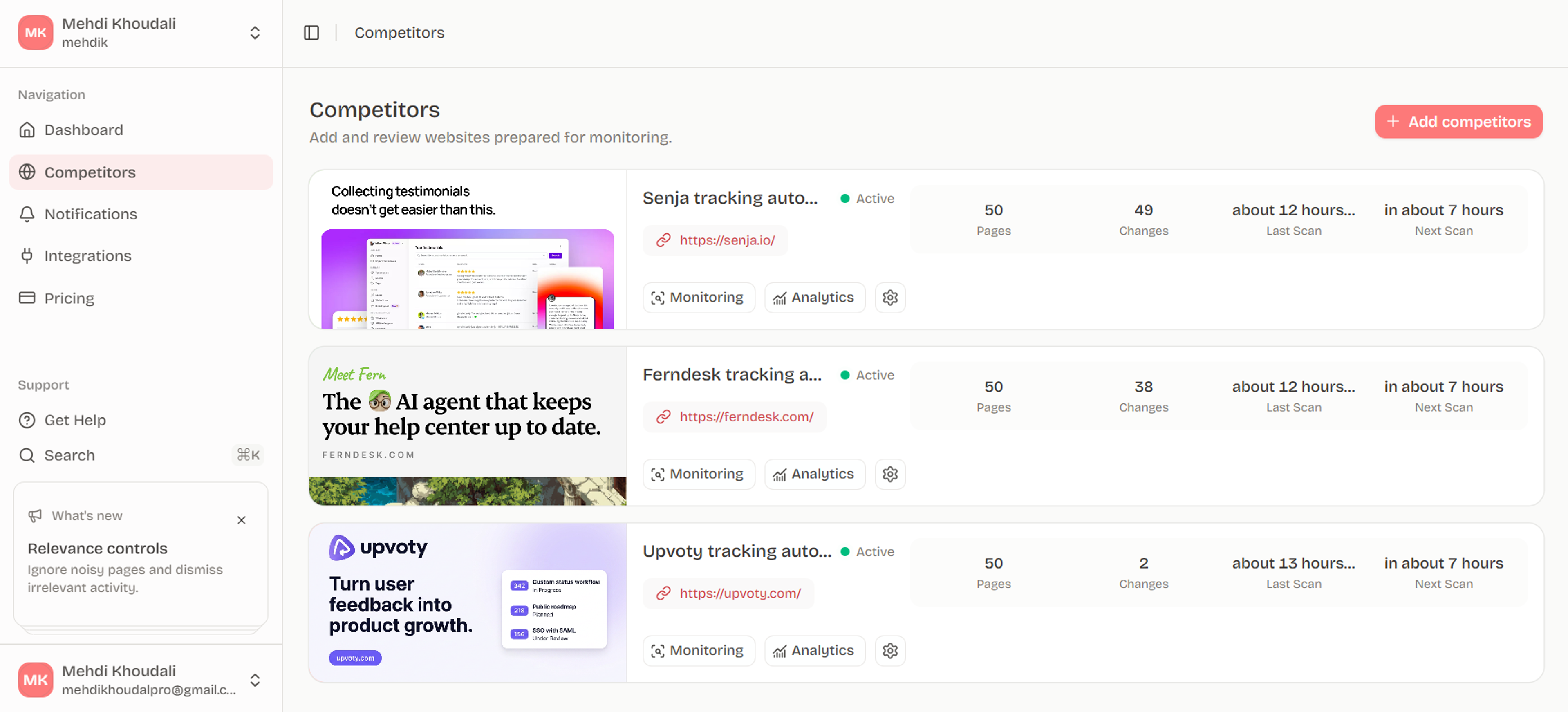
Track pricing pages, product updates, messaging changes, and launches. Rivalise shows what changed, when it changed, and the source evidence behind it.
No credit card required.
Sound familiar?
It is not that your team does not care. Updates happen quietly, screenshots get separated from evidence, and noisy pages make the real signal harder to trust.
The copy, plans, or packaging shifts while everyone is focused on roadmap work. You only find out when a prospect mentions it.
Someone drops a screenshot in chat, but no one has the before-and-after evidence or the page history needed to trust it.
Small layout edits and recycled content make every update feel urgent. The meaningful moves need to stand out from the noise.
Product features
Automatic scans, important notifications, source evidence, analytics, and Slack delivery — built for product teams who need signal, not another noisy feed.
Create your workspaceAdd public competitor websites and keep pricing, product, messaging, and launch pages under continuous watch.
Learn moreGet a clean feed of meaningful moves. Mark updates useful or not useful, and dismiss noise without losing history.
Learn moreOpen exact before-and-after page changes so every alert is backed by the original website evidence.
Learn moreSee coverage, change rate, scan reliability, and which pages move most often across recent monitoring history.
Learn moreIgnore low-value pages without deleting snapshots. Only the pages you keep can create future activity.
Learn moreTurn raw website diffs into concise what-changed and why-it-matters summaries, with facts kept separate from interpretation.
Learn moreAsk what changed across competitors and get answers grounded in your stored monitoring evidence.
Learn moreRoute important competitor updates into the tools your team already uses, starting with Slack and expanding from there.
Learn moreInvite teammates, manage roles, and keep competitor monitoring scoped cleanly by organization.
Learn moreHow it works
Add the pages that matter. Rivalise checks them, keeps the evidence, and shows your team the changes worth reviewing.
Pricing, product, changelog, and launch pages are checked automatically.
Important edits become clear activity briefs instead of a feed full of noise.
Review the exact before-and-after evidence before you share it.
Open the before-and-after source, decide what matters, and share it with your team.
Integrations

Send important updates to channels

Ask questions about tracked changes

Save updates in research workspaces

Turn changes into briefs

Post competitor alerts to channels

Route updates into workflows

Send urgent moves to small teams

Deliver private change alerts
Push change data to internal systems
FAQ
Rivalise monitors public competitor websites and their pages: pricing, product, feature, blog, changelog, landing, and any other URL your team wants watched.
Yes. Each notification keeps the page URL and before-and-after evidence attached to the what-changed summary.
Yes. Ignore low-value pages or dismiss notifications without deleting the saved monitoring history.
Important updates appear in Notifications and can be sent to Slack. Analytics and page history stay available on each competitor.